
The previous version was damaged and I thought 'Why not add some useful features while repairing it?'.
Main features of this version are:
- SunSet Trigger
- Rain Alert Reporter
- Mains Status Reporter
- Welcome Back Home
- Good Night
 |
| iWSS box |
 |
| i-WiSwiSys after installation |
 |
| Inside View |
 |
| Main menu |
 |
| All of the mains features can be toggled ON/OFF in-app |
Things used:
1)NodeMCU ESP8266
2)2 channel relay module
3)Piezo buzzer
4)Switches
5)220v AC to 5v DC SMPS power supply
Features:
1) As you can see above, the overall circuit has been reduced and made simple. The breadboard power supply, voltage regulator IC and heat sink have been removed. This was possible by using a 5v power supply to power both the NodeMCU board and relay module.

2) Sunset Trigger

Imagine how easy would be when the lights outside turned ON automatically after sunset? And that too without the use of any extra sensors!
Yes, that's what this feature does! If you have observed our Street lights turn ON before sunset when light is still there. It leads to wastage of energy! So by using Sunset trigger feature of i-WiSwiSys we can make things simpler and that too by saving energy.

It has been programmed in such a way that the lights turn ON exactly after 26 minutes of the actual sunset time. This has been done as the duration of last light is about 26 minutes from sunset time.
3) Rain Alert Reporter
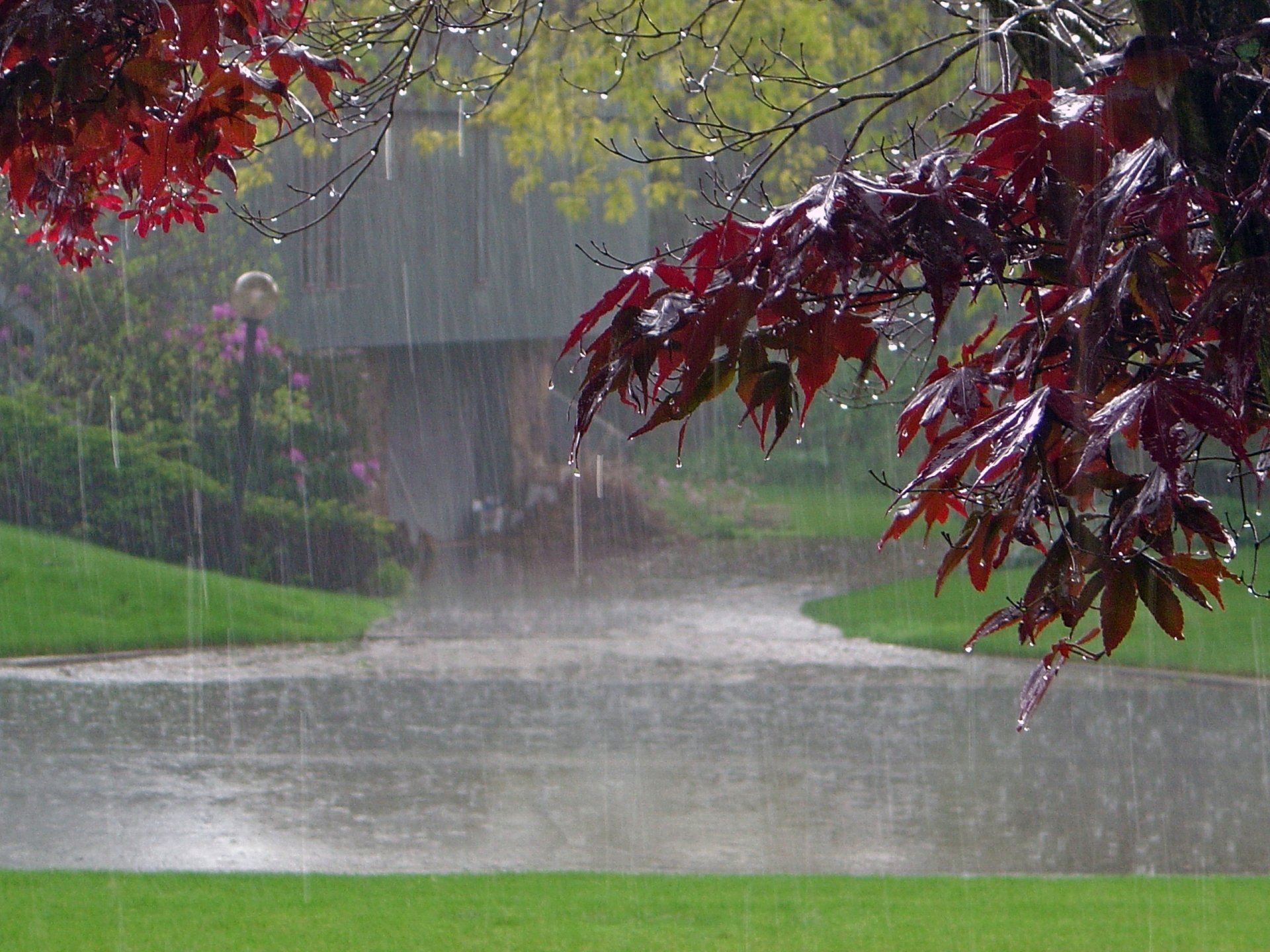
i-WiSwiSys also features a rain alert reporter and that too without the use of any sensors. It alerts the user when the current weather situation changes to a rainy situation. It alerts locally through a buzzer and also through notification when it's going to rain/raining at your home.
It would help the user to act accordingly. Eg: To pick up clothes left for drying outside.

This feature is currently under testing.
4) Mains Status Reporter
This feature actually came from a flaw of my previous version of i-WiSwiSys😅. Yes, it's true! sometimes flaws can become features!.
It tells about the current status of my Mains power supply (house power supply). It notifies the user when the power is lost/restored. It also has an in-app LED that shows the current status of Mains.
This feature doesn't work at times. To know its working scroll down. It is currently under testing
5) Welcome Back Home
What if you are late at night returning from somewhere and your gate lights turn ON just as you enter the perimeter of your home? That's what this feature does. It turns ON gate lights or gate lights + sit out lights (It can be selected on the app) when you reach the perimeter of your home. Thus more convenience and more savings!
It turns the lights ON only when the time has passed 6 PM. It'll greet you whenever you reach back home😄
6) Good Night
This feature turns OFF the sit out lights at bedtime (currently set as 9:45 PM). It also greets you with a good night.😄

The voice recognition using google assistant has also been improved.
9) Frequent server disconnection (fixed)
The previous version had a problem of frequent disconnections from the Blynk server. It has been fixed in this version.
10)Less power consumption and heating
Since the circuit has been made simple, power consumption and heating have been reduced.
Working (features):
1)SunSet Trigger
It uses IFTTT for its working. The sunset time at my area is obtained using a weather service (Weather underground). It then sends a web request to i-WiSwiSys at the time of sunset. Since at sunset time too there will be some light, i-WiSwiSys has been programmed to turn on the lights only after 26 minutes of sunset (average time of last light).
2)Rain Alert Reporter
It uses IFTTT for its working. The weather service (Weather underground) sends a web request to i-WiSwiSys when it is about to rain/raining in my area. Thus the buzzer goes on and the user gets notified on phone
3)Good Night
It uses IFTTT for its working. I've used IFTTT so as to reduce the stress on NodeMCU. It sends a web request to my device when the time is 9:45 PM.
NOTE: For all of the above features your phone doesn't need to be connected to the internet.
4)Welcome Back Home
It uses the location of your phone for its working. The location is directly obtained by the Blynk app and thus it does its job.
5)Mains Status Reporter
The working of this feature is based on a flaw!
i-WiSwiSys restarts when the mains power is lost/restored due to the time gap between the switching of inverter power and mains power. This flaw has been utilised to predict if the Mains power or not😄(It doesn't always work). The magic happens in Sense OS.
This feature actually came from a flaw of my previous version of i-WiSwiSys😅. Yes, it's true! sometimes flaws can become features!.
It tells about the current status of my Mains power supply (house power supply). It notifies the user when the power is lost/restored. It also has an in-app LED that shows the current status of Mains.
 |
| Current status of Mains |
 |
| Power lost notification |
 |
| Power restored notification |
5) Welcome Back Home
What if you are late at night returning from somewhere and your gate lights turn ON just as you enter the perimeter of your home? That's what this feature does. It turns ON gate lights or gate lights + sit out lights (It can be selected on the app) when you reach the perimeter of your home. Thus more convenience and more savings!
 |
| To make selection on what to turn ON when you reach home |
 |
| Notification when you reach home |
It turns the lights ON only when the time has passed 6 PM. It'll greet you whenever you reach back home😄
6) Good Night
This feature turns OFF the sit out lights at bedtime (currently set as 9:45 PM). It also greets you with a good night.😄

7) Automatic & manual mode
Same as the previous version, this version also has 2 switches to toggle between automatic mode and manual mode.
In automatic mode the lights can only be controlled by phone
In manual mode the lights can only be controlled by physical switches
 |
| Switches to toggle modes for each lights |
8) Improved voice recognition
The voice recognition using google assistant has also been improved.
9) Frequent server disconnection (fixed)
The previous version had a problem of frequent disconnections from the Blynk server. It has been fixed in this version.
10)Less power consumption and heating
Since the circuit has been made simple, power consumption and heating have been reduced.
Working (features):
1)SunSet Trigger
It uses IFTTT for its working. The sunset time at my area is obtained using a weather service (Weather underground). It then sends a web request to i-WiSwiSys at the time of sunset. Since at sunset time too there will be some light, i-WiSwiSys has been programmed to turn on the lights only after 26 minutes of sunset (average time of last light).
2)Rain Alert Reporter
It uses IFTTT for its working. The weather service (Weather underground) sends a web request to i-WiSwiSys when it is about to rain/raining in my area. Thus the buzzer goes on and the user gets notified on phone
3)Good Night
It uses IFTTT for its working. I've used IFTTT so as to reduce the stress on NodeMCU. It sends a web request to my device when the time is 9:45 PM.
NOTE: For all of the above features your phone doesn't need to be connected to the internet.
4)Welcome Back Home
It uses the location of your phone for its working. The location is directly obtained by the Blynk app and thus it does its job.
5)Mains Status Reporter
The working of this feature is based on a flaw!
i-WiSwiSys restarts when the mains power is lost/restored due to the time gap between the switching of inverter power and mains power. This flaw has been utilised to predict if the Mains power or not😄(It doesn't always work). The magic happens in Sense OS.
Working Video:
Interesting facts:
1)It took me about 2 days to program this project. The entire program was written by myself. The final programmed was named Sense OS. You may request for the program through contact me page.
2)This version is actually an upgrade to the older version which I didn't release in public.
3)It was switched On for this first time by my mother😄.
This project has a custom made app. To know more about it click here.
If you feel I have done a good job and deserves an appreciation, then please show your love 💓 in the form of a small donation. Click here to go to donation page.


Nice one!😇
ReplyDeleteThanks da😍
DeleteAdipolli
ReplyDeleteExcellent work bro
And all the best.
Let all your dreams be achieved.
Thank you mahn😍
DeleteGood work dear.. proud of u. And now u have proved that ur choice of discipline was 100% right..
ReplyDeleteThank you so much sir 😍
DeleteGood one.. Congratulations
ReplyDeleteThank you😍
DeleteAdipolii ......
ReplyDeleteThank you 😍
DeleteNice brov♥️
ReplyDeleteThank you 😍
Delete